From an email in the inbox to a quote in BisTrack.
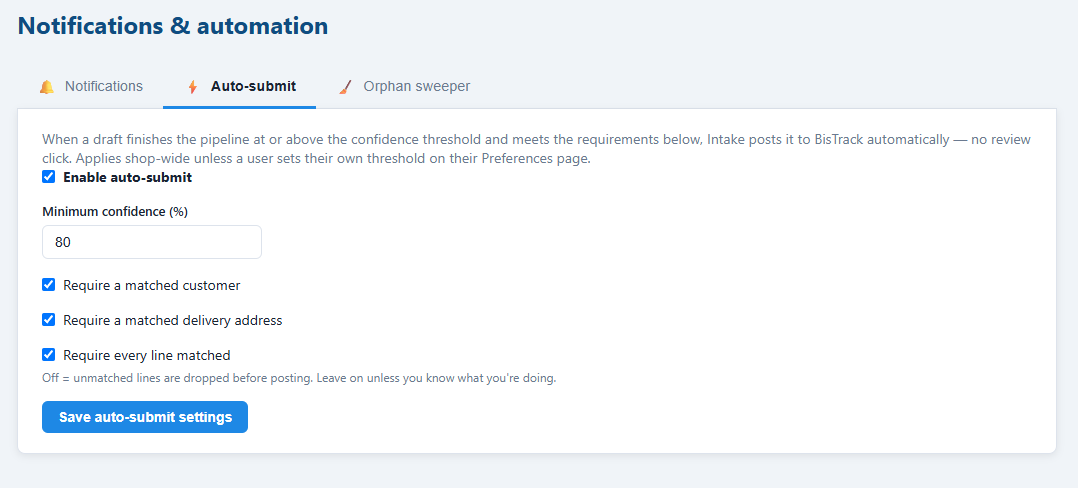
Intake is deliberately review-first. Every draft is checked by a person before anything is written to your ERP — and once you've watched the confidence numbers on real traffic for a while, you can let the clean ones post themselves.
Drop it, watch a folder, or poll a mailbox.
Drag an email or PDF onto the inbox, drop files into a watched folder on the server, or point Intake at a shared Office 365 or Gmail mailbox and let it pick requests up on its own.
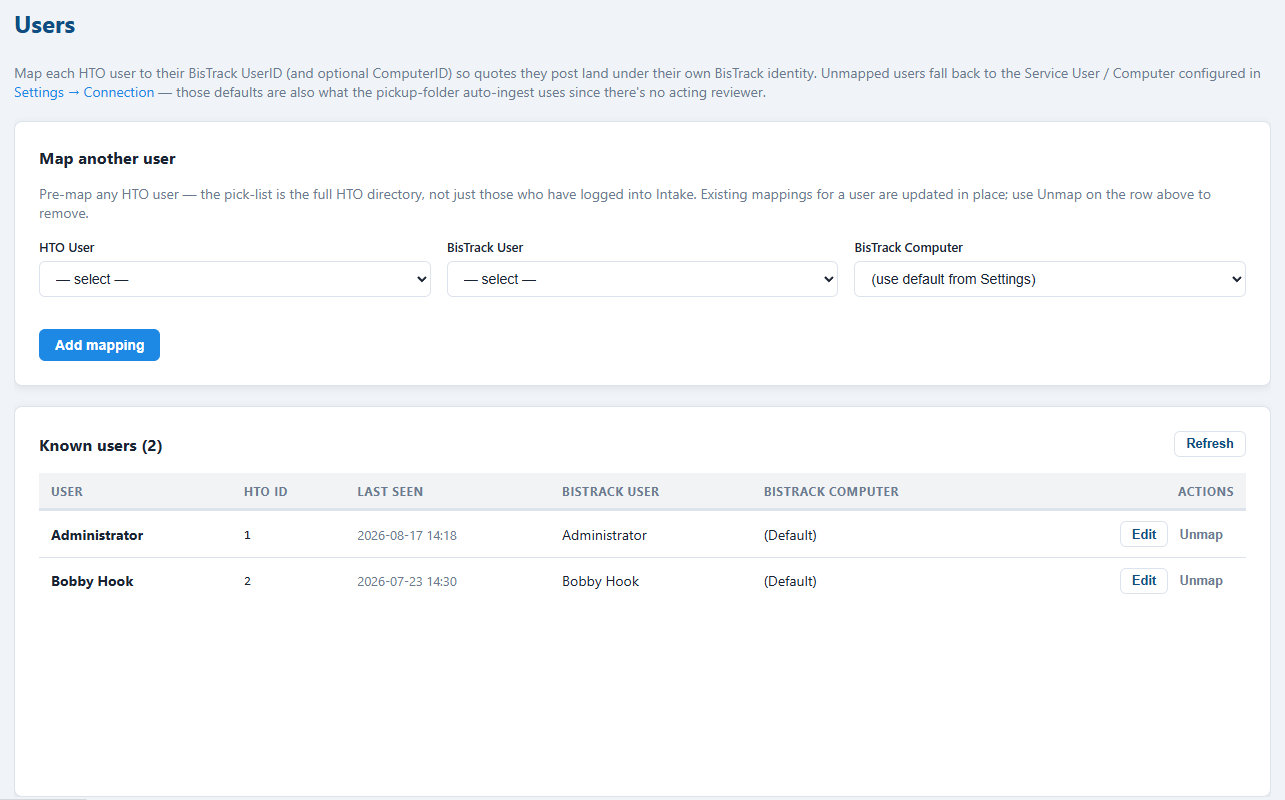
Where the sender's address matches one of your BisTrack users, the message is assigned to them — which is what puts it on their inbox and drives their own notification and auto-submit settings.

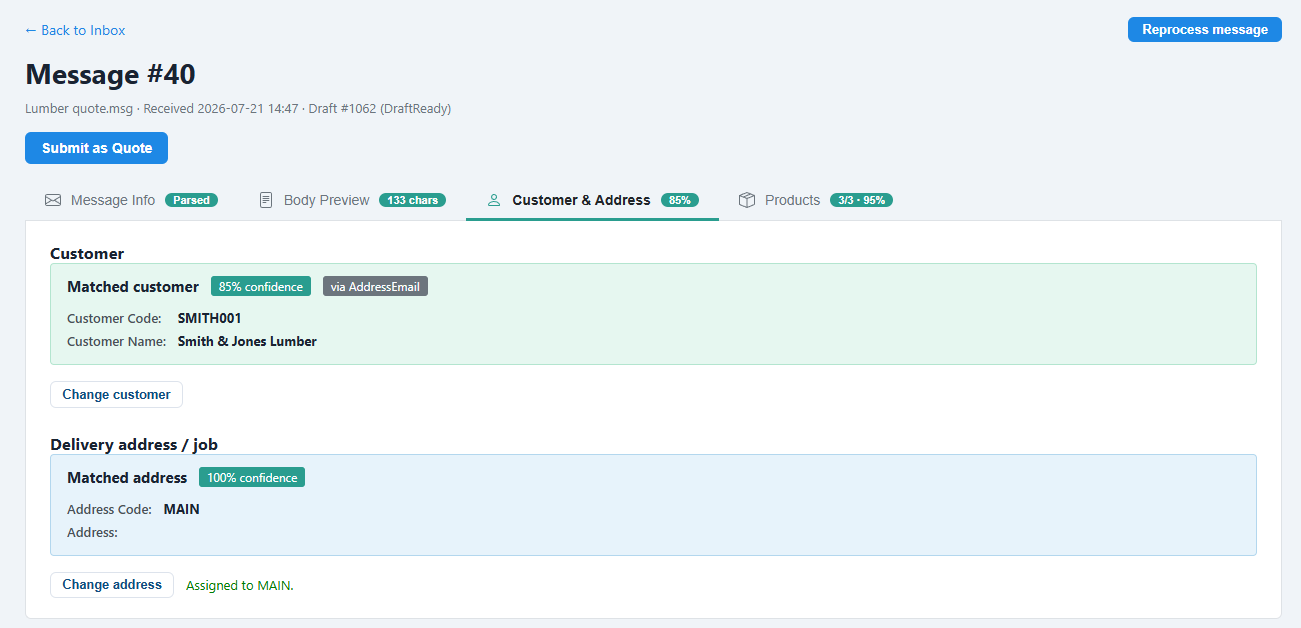
Who sent this, and what do they want?
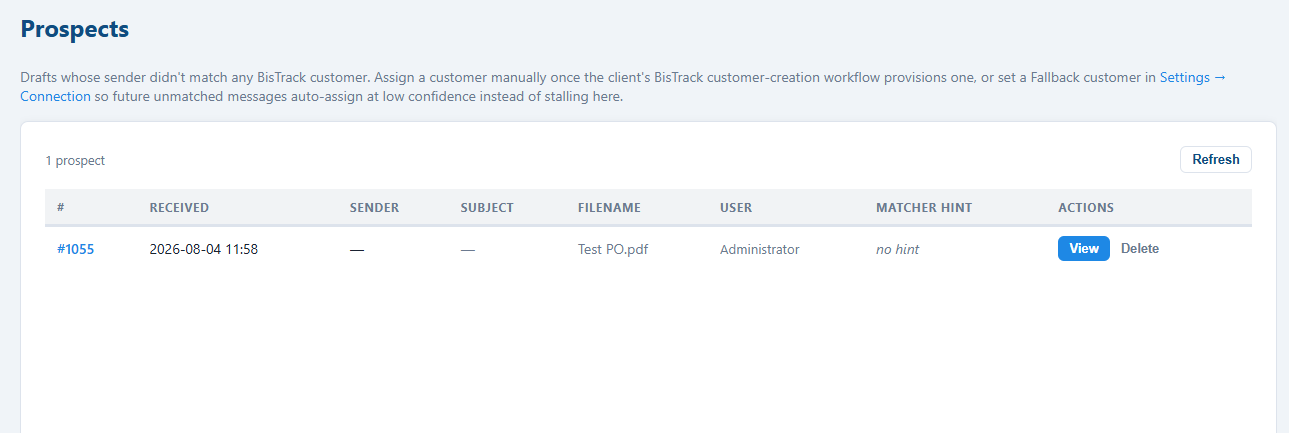
Intake parses the message, then works the sender through every address BisTrack holds — the customer record, each contact, each delivery address — before falling back to the email domain, the signature block, or a customer code quoted in the body.
Then it reads the delivery hints. "For the Riverside build" is matched against your job references, street addresses and address codes, because the address is what determines the price profile BisTrack will use.
Their words, your SKUs.
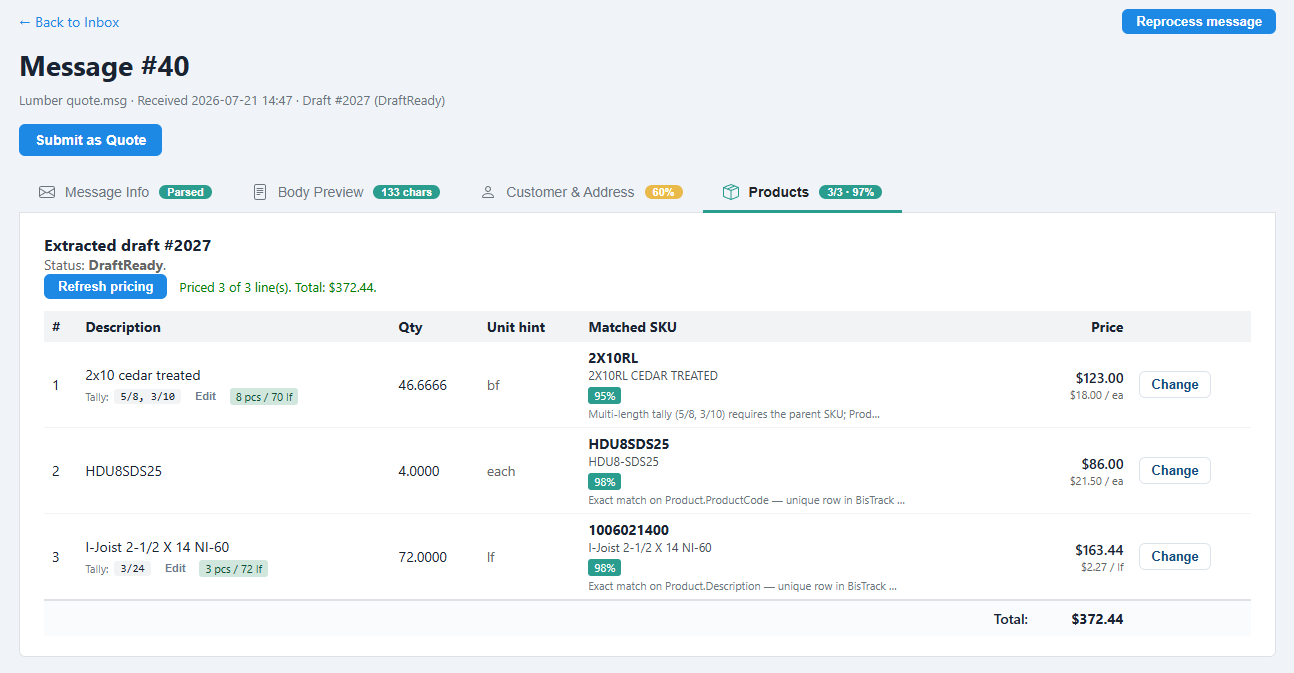
"30 sheets of half-inch OSB" has to become a product code in a catalog of thousands. Intake shortlists candidates from your BisTrack catalog — code, description, short description, manufacturer code and the alternative-keywords field that exists precisely for this — then has the AI pick the best match and say why.
Every line gets its own confidence, and so does the quantity: "box of 100" versus "box of 200" is a real ambiguity, and it's called out rather than silently guessed.
Green, amber, red — and where to look.
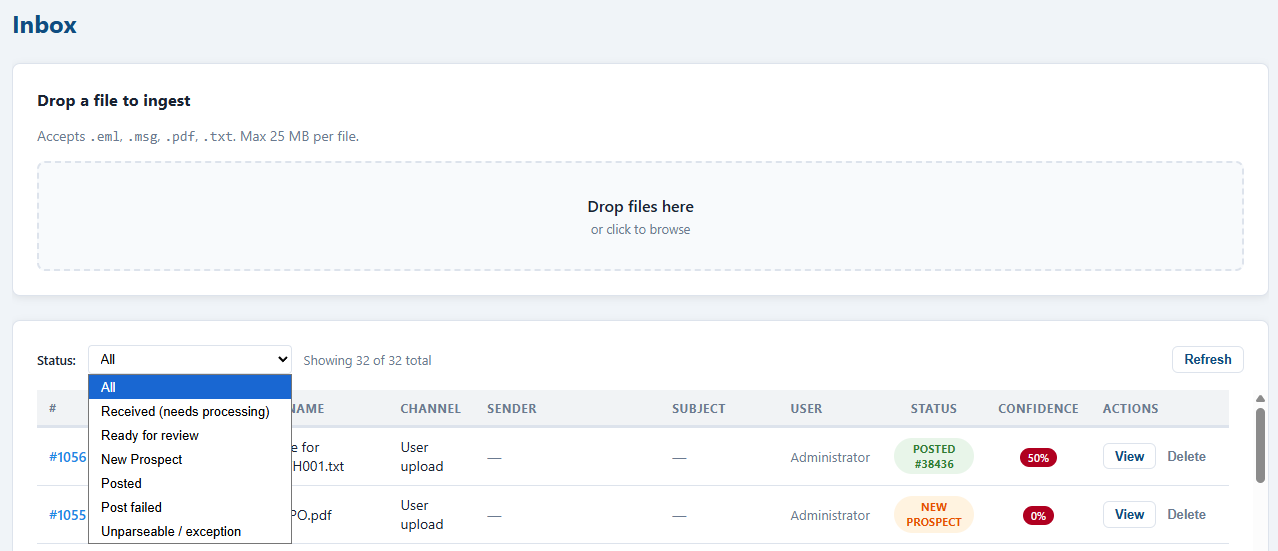
Confidence is coloured the same way everywhere: green from 85%, amber from 60%, red below. The inbox shows the weakest part of each draft rather than an average, so a list of green rows genuinely means a quiet morning.
Correcting anything is a picker: change the customer, change the delivery address, change a line's product. The product picker opens with the customer's own wording already in the search box, which is usually the fastest route to the right SKU.
BisTrack prices it. Not us.
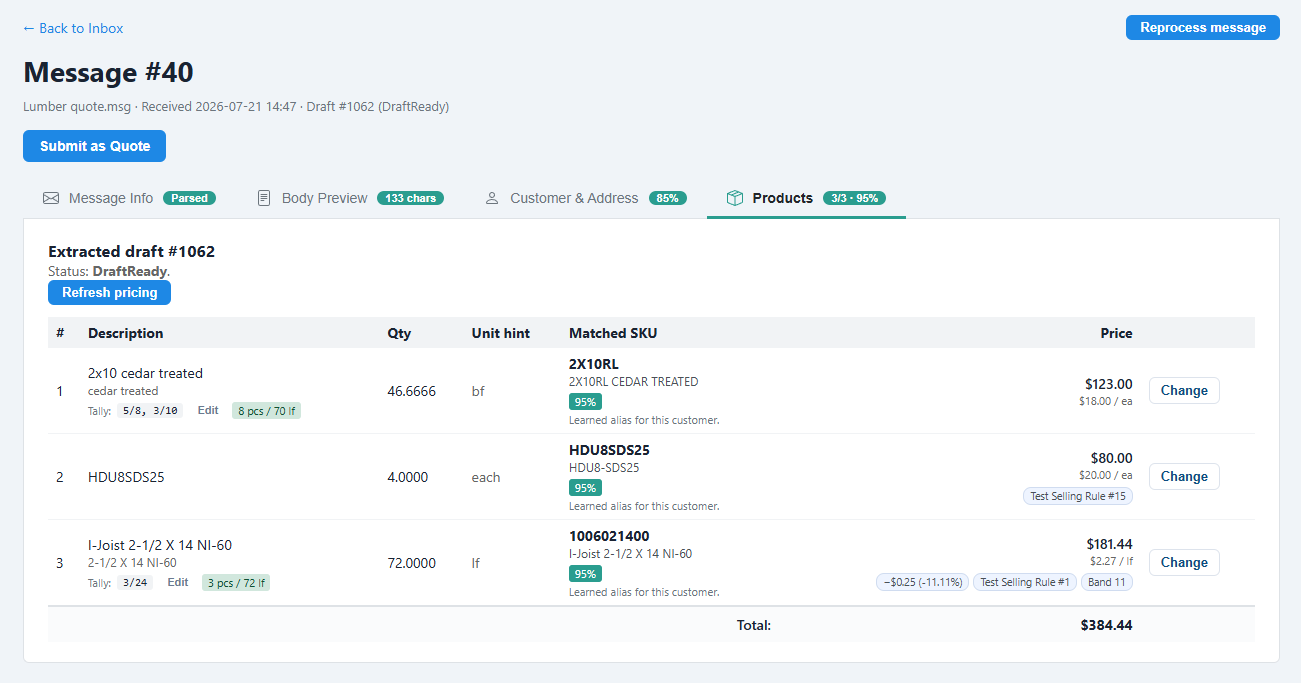
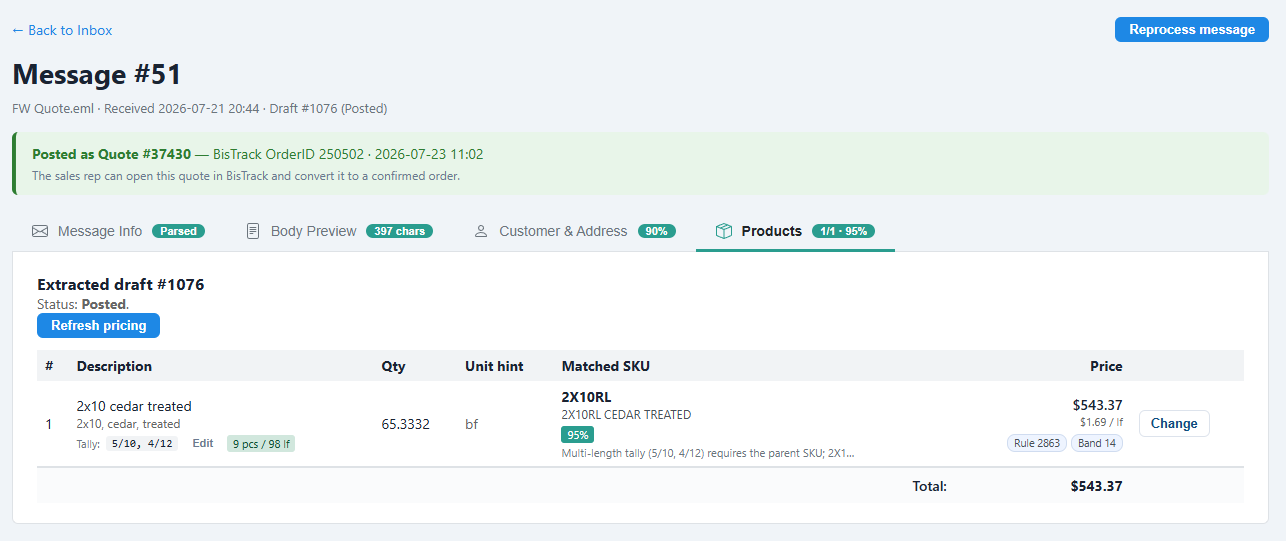
Preview pricing asks BisTrack to price every matched line using that customer's real price profile, rules, bands, quantity breaks and discounts. Nothing is recalculated locally and nothing is written — Intake just asks.
Each line comes back with its unit price, its total, the discounts applied, the price rule that fired and the band it landed in. The reviewer sees the number the customer would see, before committing to it.
One click. A real BisTrack quote.
Submit creates the quote in BisTrack as an open quote, adds one order line per resolved product through BisTrack's own line-add logic, and recalculates totals and tax. The quote number comes straight back to the reviewer.
Intake won't let you submit an incomplete draft, and it says exactly what's missing — an unmatched line, a missing address, a tallied line with no tally. From there the sales rep picks the quote up in BisTrack and converts it the way they always have.
It learns how each customer talks.
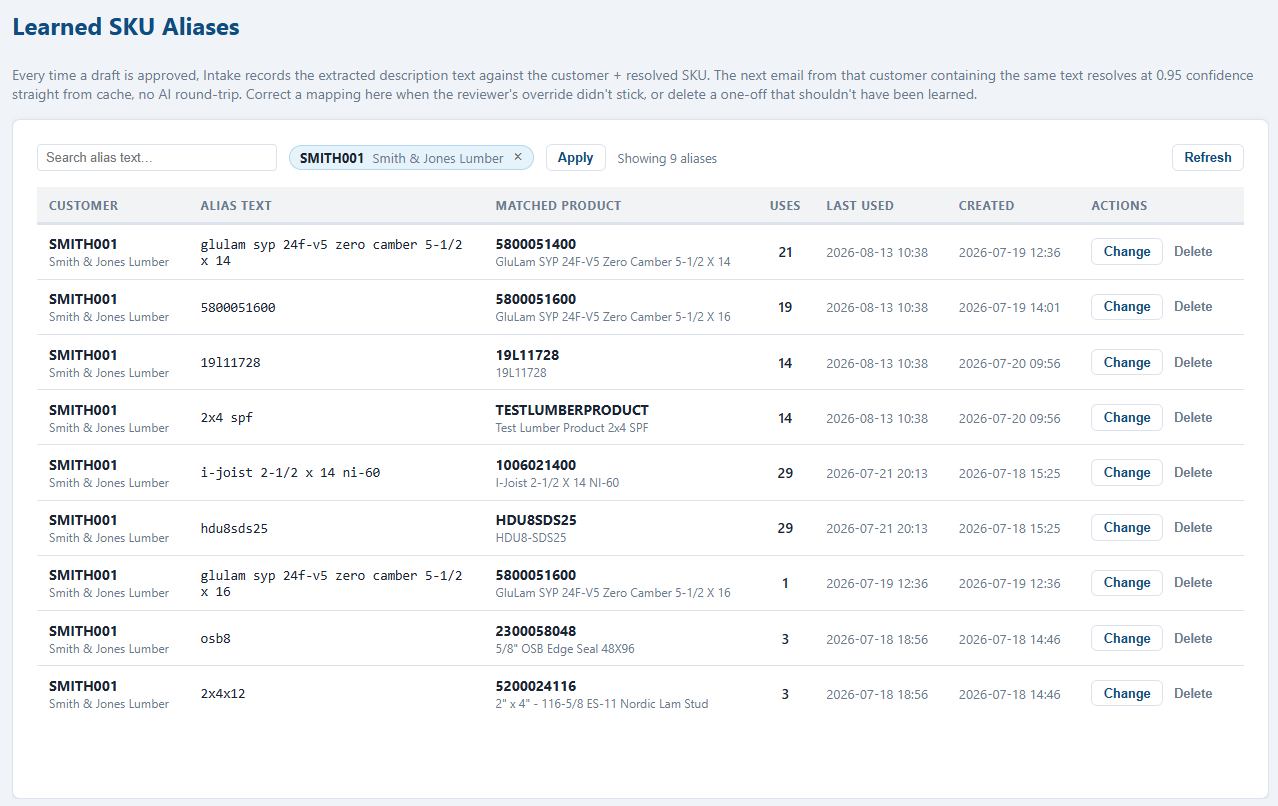
Approving a draft records that customer's wording against the SKU you approved. The next email from them using the same words resolves instantly, at high confidence, without an AI call at all.
Which is why the first few weeks with a new customer take more reviewing than the months that follow — and why a bad match is worth correcting once rather than working around.